The writing app for people who rewrite
Write in branches.
Draft a sentence three different ways and decide later. Quillium keeps every version.
The evening had been threatening for hours.
The rain found her before the door did.
She did not reach for the umbrella.
Revision
Fork any sentence.
Because you have more than just one idea in your head
Keep every version.
Write a sentence three different ways, and pick the one that lands.
Branch inside a branch.
Let the rabbit hole go deep.
The evening had been threatening for hours.
She stepped out into the waiting rain.
She did not reach for the umbrella.
Revision
Nested revision
Start writing sideways.
By downloading, you agree to the Terms of Service
Not an AI app — you write every word. Your work stays on your device. Crash-safe autosave.
Let's clear this up
Not an AI writing app.
Quillium never generates text, never autocompletes your sentence, never "fixes" a word behind your back. It's version control for prose. Branch and fork your writing, the way programmers have kept every version for decades.
The words are yours. All of them.
Read the full stance →What makes it different
Built for the messy middle of a draft.
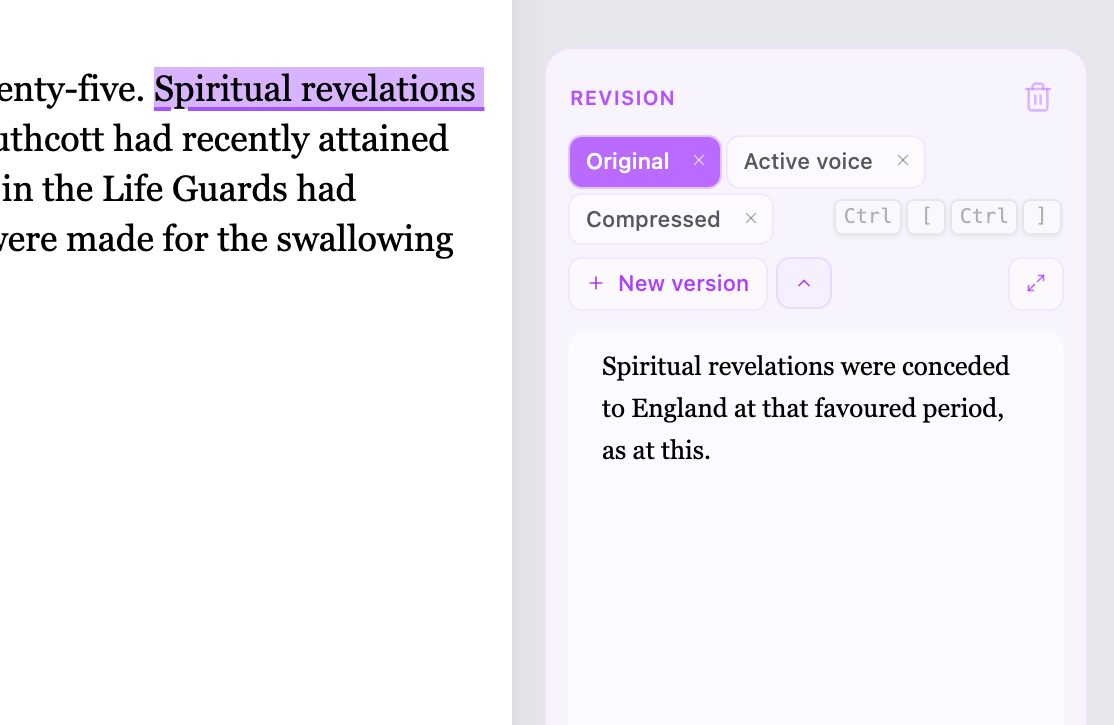
Write in Branches
Fork any sentence without duplicating the document. Every take stays in place, side by side, until you know which one lands.
Never Lose Your Work
Your work is saved locally. It's durable, reliable, instant, and no internet connection is required. A database with 25+ years of experience means even if your computer crashes mid-sentence, nothing is lost.
Great Minds Think Together
Comments, revisions, and suggestions float beside the text they're about. Collaborate with your editor, anytime and anywhere.
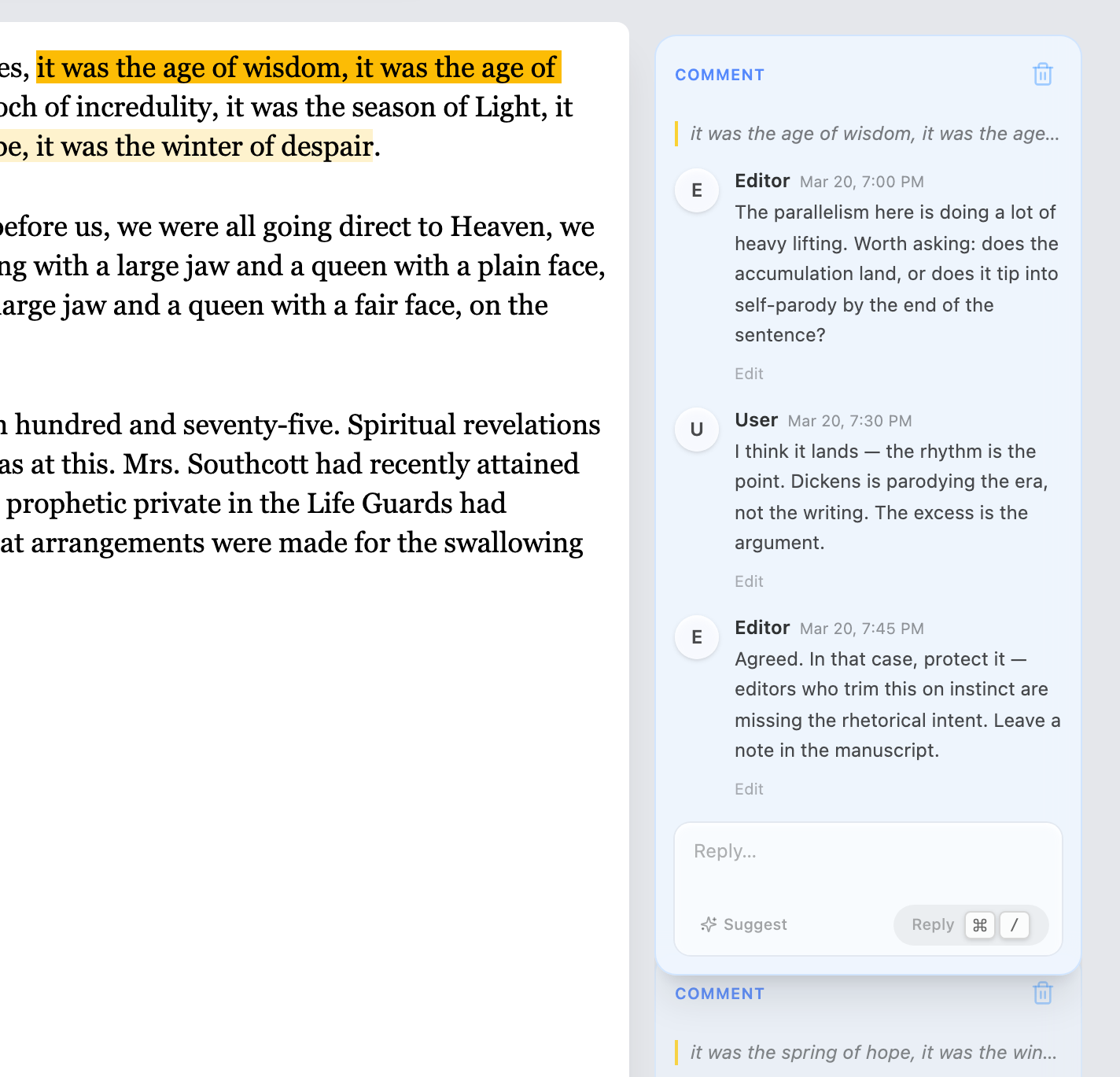
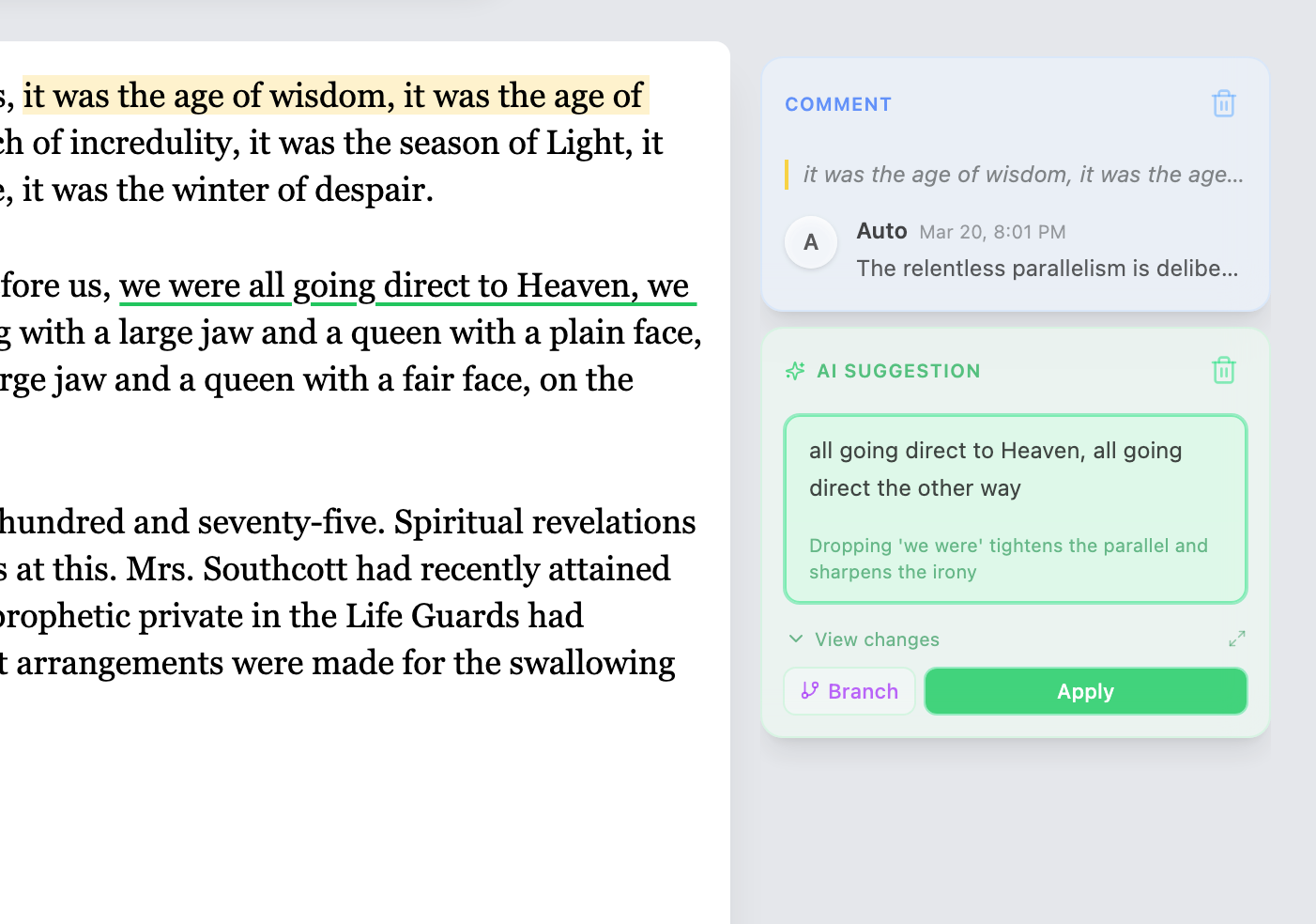
A Second Set of Eyes
No writing group awake at 2 a.m.? Ask Quillium for margin notes. Feedback arrives as comments beside your text — never as edits to it. You accept, ignore, or argue back. The words stay yours.
Start writing sideways.
By downloading, you agree to the Terms of Service